 COME
COME website links versus the in-app menu
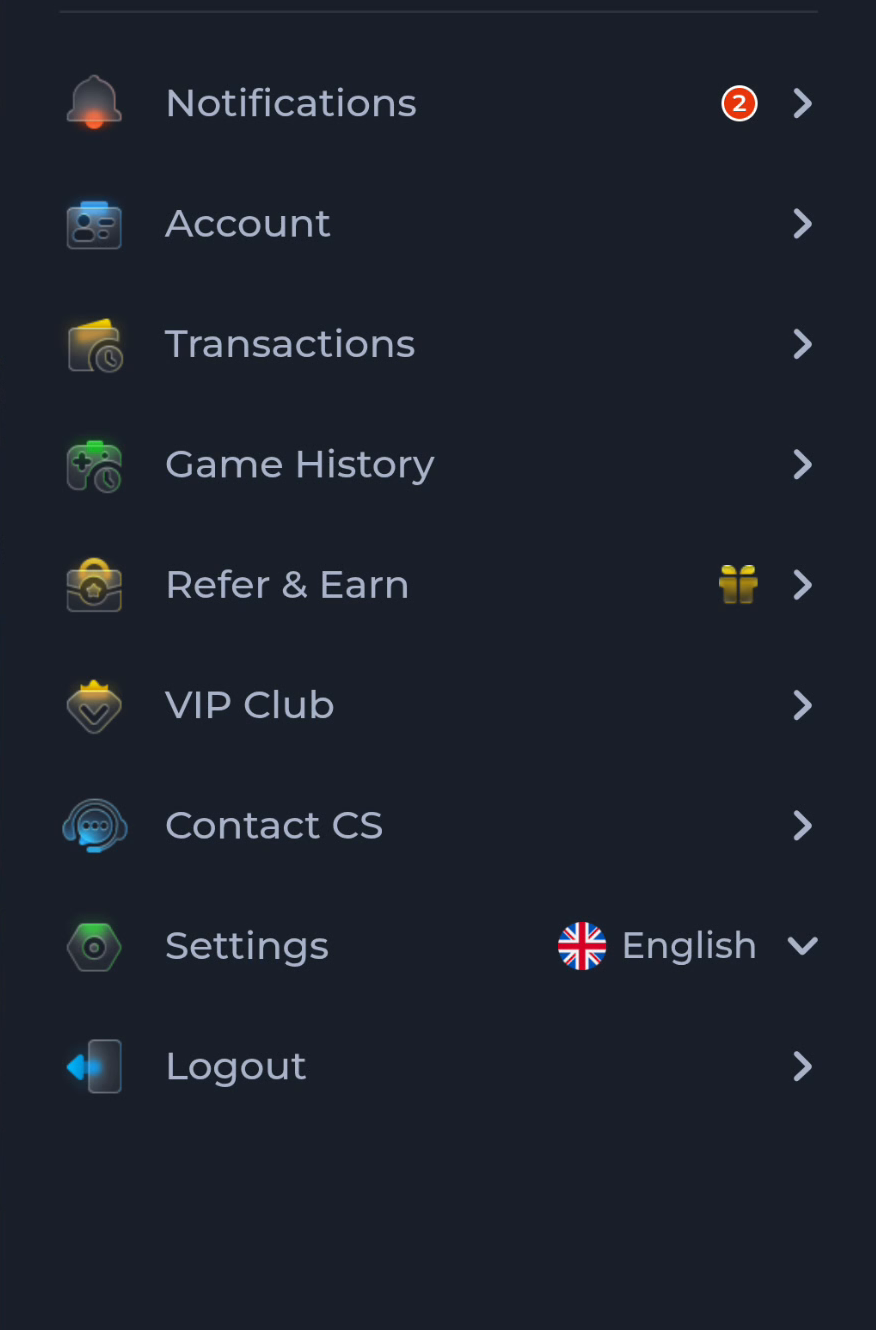
Home, Download and Guides are website pages. Account, Transactions and Settings are app-menu labels. Knowing which interface you are using makes instructions easier to follow.
Recognise the page context
A browser address bar and a reading page usually indicate the website context. An app may also display web content, so inspect the visible controls rather than relying on colour or branding. A website guide cannot directly change an app account.
Choose the right navigation
Use Download for Android file instructions and Guides for a focused explanation. Within the app, choose the actual menu related to the task. Following a website's Home link returns to the information site; it does not necessarily open the app's home screen.
Protect continuity
Before switching context, note whether you have an unfinished transfer, installer prompt or support request. Returning to a reading page does not confirm that those tasks completed. Resume each task through the interface that owns it.
A useful next step
Identify the current screen first, then use the navigation that matches the question.